

Send a test request
From your terminal, hit any page on your verified domain with a bot user-agent:Watch it land
In onboarding, Rankly polls for new events and shows the first one within a minute. You will see:- The time the event arrived
- The host and path that was requested
- The user-agent and the bot name Rankly matched (for example
GPTBot) - The category (training, search-index, live-fetch, and so on)
- The IP and whether the identity verified
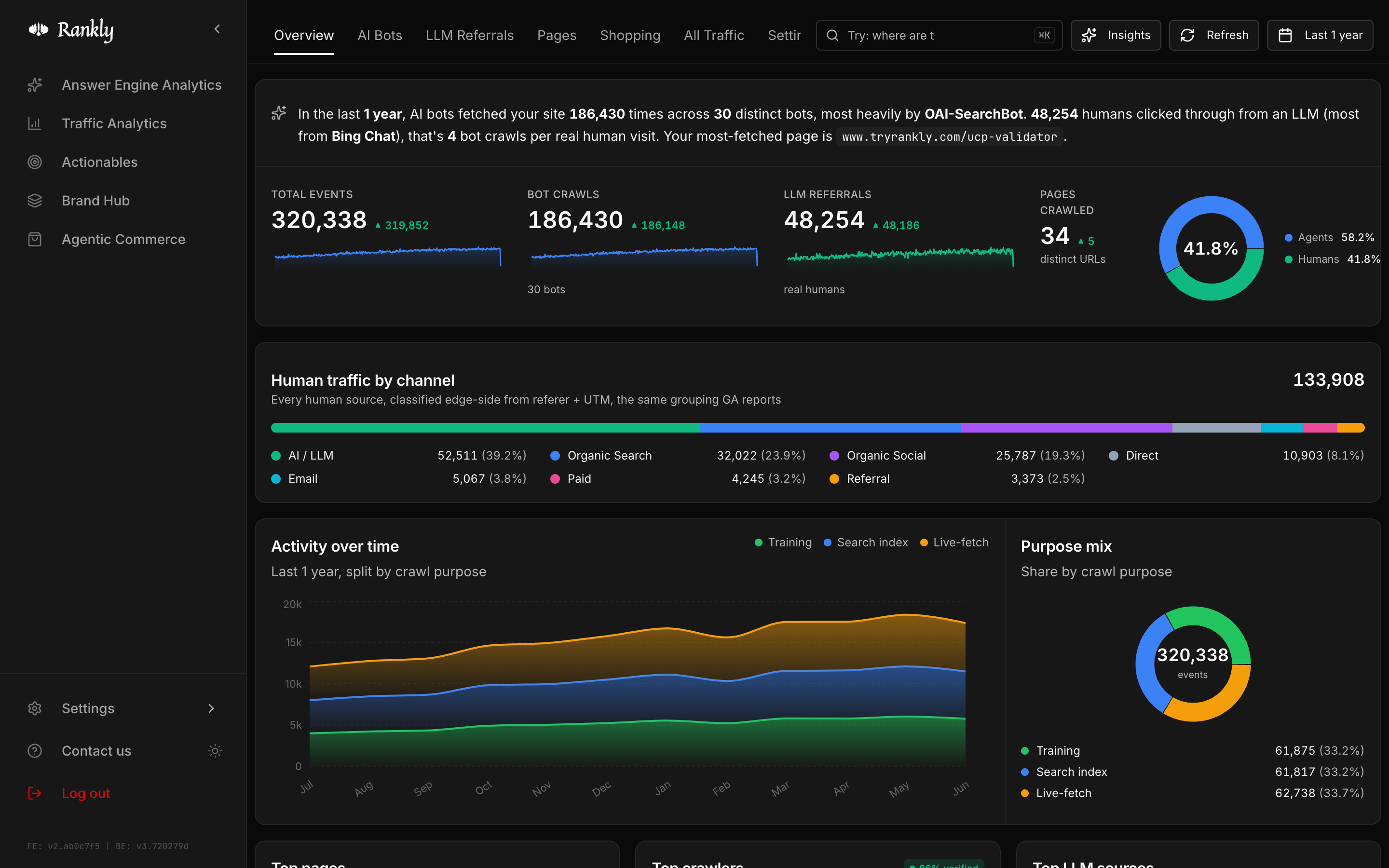
When you see your test event with the bot name and an IP verification result,
your integration is live. Real agent traffic will start appearing as crawlers
visit your site.
If nothing appears
Give it a minute
Give it a minute
Edge deploys (Vercel, Netlify, CloudFront) can take a few minutes to roll out
globally. Wait, then send the test request again.
Check the domain is verified
Check the domain is verified
Events for unverified domains are dropped. Make sure the host you tested is
the one you verified.
Check the user-agent
Check the user-agent
The test must use a recognized bot user-agent.
GPTBot/1.0 works. A plain
browser request from your own machine is treated as human traffic and may
not show in the bot view.Still stuck?
Still stuck?
See Troubleshooting, email
support@tryrankly.com, or book a call and
we’ll connect your site with you live.
What’s next
Read your dashboard
Trends, top pages, top crawlers, and LLM referrals.
Bot coverage
See every agent Rankly recognizes.