
1

Sign up

Go to app.tryrankly.com and create an account with your work email.
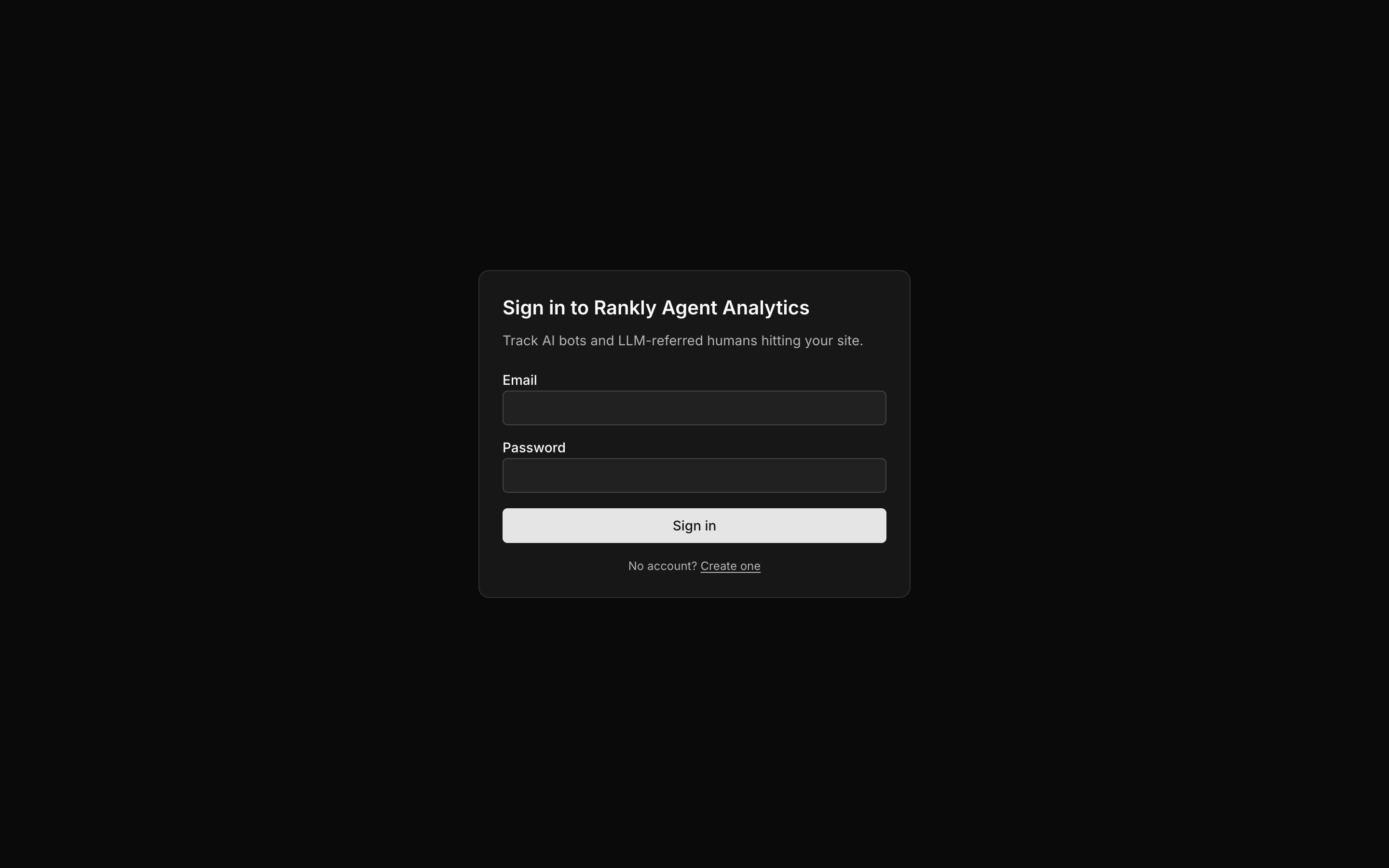
Rankly Agent Analytics sign-in
2

Find your ingest token

Every account has one ingest token. It identifies your account when an integration sends events. It looks like this:
tnt_3f8c9a2b1e7d
You will find it in Settings, and it is already baked into every script we generate during onboarding, so you usually do not need to copy it manually.
Treat your ingest token like a password. Anyone with it can send events to your account. If it leaks, rotate it from Settings, then reinstall your integrations so they pick up the new token.

What the token does

  • It tags every event with your account, so your data stays separate from everyone else’s.
  • It is passed as ?tenant=tnt_... on the ingest URL, or as an Authorization: Bearer tnt_... header for log-drain integrations.
  • It only allows sending events. It cannot read your dashboard or change settings.

Next: verify your domain

Prove you control your site so we can accept its traffic.